2 January 2016

Editing your keyboard


I live in France but communicate mainly in English. However, I do need to write in French on a regular basis and so to get the accents French requires like ç, è, û and à, along with non-French characters like ß, °,©, ®, ñ, ¿ and ¡ along with the em-dash —.

I could memorise all the alt-numpad codes for these characters (and have memorised my most used ones like alt-0231 for ç, alt-0232 for è or alt-0224 for à, but it's a fag to do so and takes longer to type. So I was very happy when I discovered the Microsoft Keyboard Layout Creator. It allows me to assign specific codes to keys. I already use the AltGr key to use the acute accent character é and to get a € symbol, but á isn't exactly often used in French and nor is ó, í or ú so it makes sense to remap these keys and learn the appropriate alt-numpad code for them if I ever need them (I don't think I have in 14 years of living in France).

You should really plan out all the keys you want to remap and where you want to remap them to before you start all this, but because I'm an impetuous sort and wanted to try different options out, I didn't, which meant I got problems with having to rename the layout and change the description to make sure it's unique.

When you install the MKLC and open it you will see a window that represents your keyboard, but empty of characters for the time being.

In the File menu choose Load Existing Keyboard... to load your current keymap to edit it.

As you can see I've already had loads of goes at this. The additional entries should all go on a reboot

The keys will then be populated and you can use the toggles to the left of the keyboard to see what modifiers are available or can be changed.

Then it's a simple matter of clicking a key and adding your own definition — you can even have a single key type a sequence of up to four characters.

Once you have added the custom keys you want, visit the Project menu and choose Validate Layout. It will probably ask you to create unique settings for name and description if you are basing your customised layout on an existing one.


Once you have that set as you like use the Project menu again and choose Build DLL and Setup Package.
If all goes well, there should be a new folder in your Documents folder (by default although you can choose where to make the setup folder) containing some MSIs and a Setup.exe. You can directly click on the MSI you need if you know which one to use, or simply start Setup.exe, which will choose the right MSI.

Next, you will want to make sure that your customised keymap is chosen as a default. I added the language bar from my Control Panel so I can switch between keyboard layouts in case anything goes wrong, but you can of course simply remove the standard keymap in favour of your customised one.


In the Language bar settings, make sure your new keymap is set as the default and move it up in the list. To make it clear at a glance if I was in my customised map I changed the colour of the icon too.


Hopefully this will work as well for you as it has for me! :)


29 December 2015

Firefox tinkerings

Various Firefox customisations are necessary in these days of oversimplification.

Search

In order to keep the old Firefox search settings instead of the new ones that conceal what search engine you are using until you hit return, you need to go into about:config and look for:

browser.search.showOneOffButtons

Unfortunately, it doesn't seem to be working for me right now so I will probably have to ditch my profile and recreate my settings manually - actually, it turns out that Fx is now forcing users to use the crappy way of doing it they chose in v29 (I think it was), I'm looking into Pale Moon, which is a fork of the Fx source that still uses the "good way" of doing search. Which mean I also need to use

xpinstall.signatures.required

set to false so I can use the unofficial echofon extension.

In the end, I am using an extension called Classic Theme Restorer to bring back the search functionality I want.

So you know:

 
left: Fx Search bad, right: Fx search good

Don't forget to also set:

browser.search.openintab

To make sure the search bar doesn't overwrite the current tab.

Full-screen message

Another one. Set:


full-screen-api.warning.timeout

To 17 to reduce the timeout for the usual "XXX is now full-screen. Exit full screen (Esc)" message. You can't reduce it to less than that otherwise the message stays on-screen until dismissed. Its normal setting is 1000. (Update 160110: This doesn't seem to work on restart of the machine, so I've set it back to default for the time being)

Alt-s shortcut

Another one, slightly more abstruse. I am on several vBulletin forums and am used to using the Alt-s shortcut to post. Firefox recently changed so that Alt-s was used to open the menus and would no longer work for posting. As usual, tweaking about:config sorts it. 

Change

ui.key.chromeAccess to 5
ui.key.contentAccess to 4 


and Alt-s works again!

27 October 2015

Blame YouTube

Today we made a big element of Finn's Hallowe'en costume for this year. For about two months now, he has been saying he wants to make a Predator costume. First, he's never seen the film - he's 12. Second, I tried to explain that I am there to help him, not make it for him. I am happy to help in any way he needs, short of actually completely doing the thing while he watches TV or plays on a phone. So here we are, a week before 31 October...

Finn, like all kids, has been watching YouTube and there are some ace Hallowe'en costumes on there. When I opined that Predator was going to be difficult and expensive to make Finn switched to something else he'd found on YouTube - Sonic. Right from the off this would be difficult to pull off but oh no, he explained, there's a guy that shows you how to do makeup on YouTube making a version of Sonic that riffs off the Sega original. The video only last 12 minutes, it's easy! So we watch the vid:


It is a very effective makeup job! We explain that a) it doesn't take 12 minutes to do, b) the material cost for doing it isn't the same as the cost for watching the video, c) the skill level required is not the same for watching the video, d) even if a, b and c were all achieved, there's only a week to go.

Despondent at those bad grown-up-type people spoiling his fun, Finn's face was set in grump. I tried to find another solution... A year or so ago, I had noted this on Etsy:


So I pointed it out to Finn and he was reservedly interested. I told him if I bought the mask he'd be mainly responsible for making it, but that I would be with him as he did so to help and offer advice. He agreed, so I bought it. It's very nice and prints out very well - the scale on A4 should probably be amended to 152 mm, but it will be slightly different on Letter.

Anyway, I printed it all out and said to Finn we'd try a test run, knowing that we would need to print again onto thicker card (or following Steve Wintercroft's solution of backing onto discarded cereal packs). He ummed and ahhed about doing it and finally this afternoon cut the pieces out and started folding them where needed. Between the two of us we came up with a completed, if not expert, skull after a couple of hours!


Because of the time needed, I have bought some 170gsm paper for the printer and we'll print directly to that. It might not be as sturdy as backing on card, but it will be easier to achieve I think and faster to do. Finn actually enjoyed the fairly fastidious work involved with making the mask today (and the next time will be more so!) and had a real sense of achievement at the end (and lots of praise from me). We still need to sort out a costume to go with and I reckoned he should be completely in black (as in the picture). If I can get some phosphorescent paint for the mask it would look a little like he's just a floating skull, which would be cool. We'll see, I'll post our progress.

The reason for this post being called "Blame YouTube" is that I think that our young'uns are getting an increasingly unrealistic view of the effort required for anything - YouTube video of 5 minutes == 5 minutes work required. Never mind that the "stars" of YouTube put a *lot* of work into what they do, it's what separates someone who gets a million views from someone who gets 30.

Hopefully, doing this will get Finn a more realistic view of what can be achieved and the amount of work needed. As it is, I have no doubt there'll be lots of handholding for this first go. We've agreed to set the Predator costume as the goal for next year's Hallowe'en so we'll see...

23 July 2015

Windows 8.1 wi-fi

It seems like there are a lot of people that have problems with Windows 8.1's wi-fi and my wife is one. After doing the usual, like updating wi-fi drivers; forgetting the wi-fi connection and remaking it; checking for viruses etc. (just in case) and rebooting the router. This evening we have hopefully found a more permanent solution.

Hit the Windows key and R, then type:

netsh winsock reset

and hit return. You will get a CLI window that flashes through a bunch of stuff and closes, then you should reboot your machine.

This note is just an easy way for me to find the info if necessary again (as I'm sure it will be). The original tip came from Adam Ralph.

16 April 2015

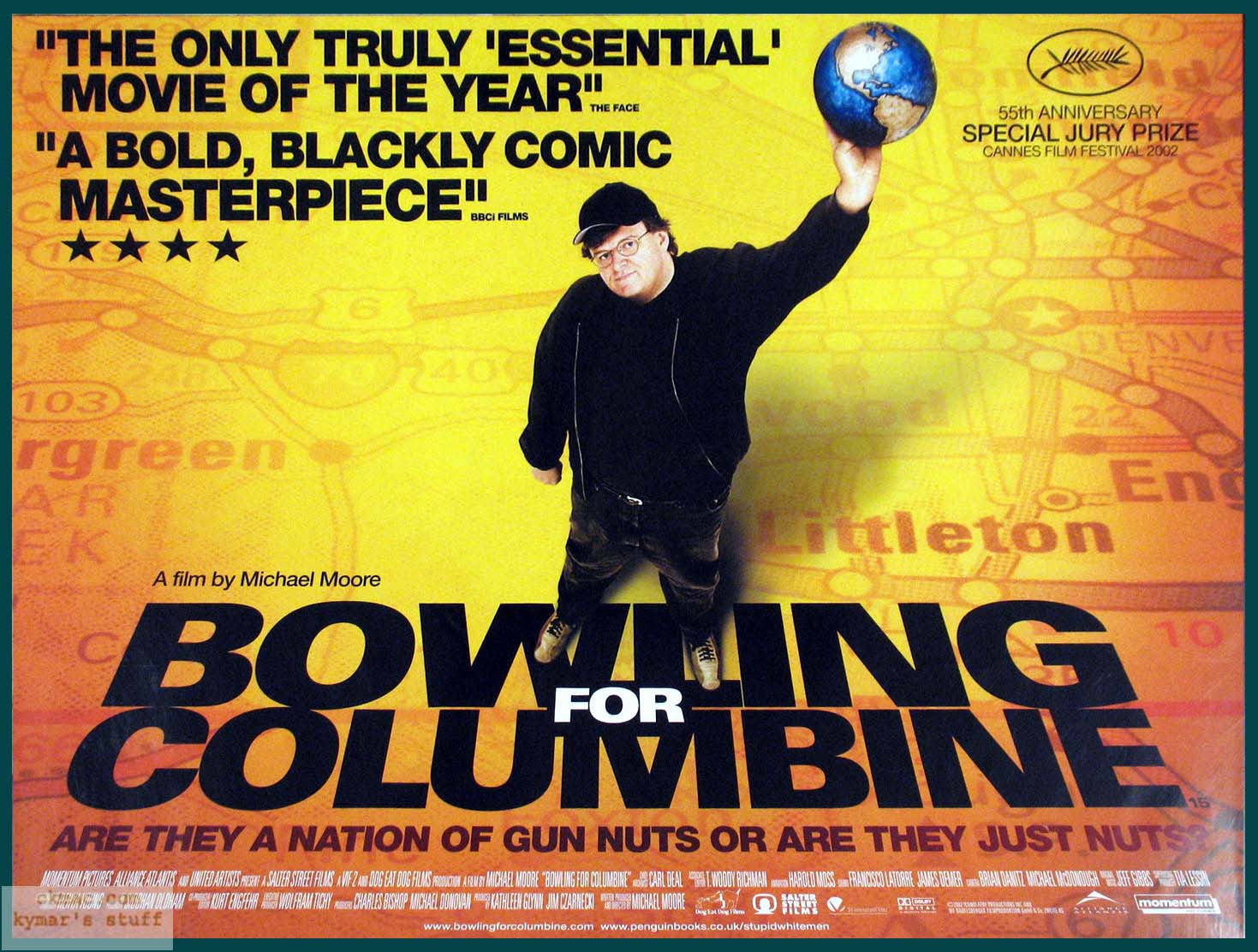
Bowling for gun deaths


Recently decided to watch Bowling for Columbine again "inspired" by the latest disaster in the US of a three-year old shooting a baby in the head. 


Cory Doctorow also reposted an article from Boing Boing from 2003 wherein Michael Moore tries to defend himself against the gun lobby's attacks on his film - archive.org version

I've just got to the bit in the film, about 50 minutes in, where he describes the gun deaths around the world and wanted to see if things had got better or worse in the 13 years since the film was released. My figures came from Wikipedia, as so many things do, and I cross-matched the numbers from that page with requests to Google saying "France population 2009" and so on.

My figures are not very accurate. Most of the time I've rounded up in the decimal point was more than .6, but I didn't want to make the figures worse than they are; I just wanted a rough idea.

It seems things are getting worse. For each country, I put the deaths reported in Bowling for Columbine, then the total deaths reported on Wikipedia. Those deaths are per 100,000 of the population so I just took the millions value for population, added a zero and multiplied by the deaths reported. Please let me know if my maths is wrong.

Gun deaths

Germany
2001: 381
2010: 1.24 82 = 1,017

France
2001: 255
2009: 3.01 65 = 1,956

Canada
2001: 365
07-11: 2.22 35 = 777

UK
2001: 68
2010: 0.25 63 = 157

Australia
2001: 65
2011 0.86 22 = 189

Japan
2001: 39
2008: 0.06 128 = 77

US
2001: 11,127
2011: 10.3 312 = 32,136

To make it clear:
For France's figures for 2009 you get "2009: 3.01 65 = 1,956"
This means 3.01 deaths by gun fire per 100,000 people. France's population in 2009 was listed as roughly 65 million, so I multiplied 3.01 by 650 (adding the zero to make the 3.01 number pertinent to millions), which gives a depressing 1,956 deaths by gunfire in my extrapolation.

What has depressed me further here is look at the increase in less than 15 years:

Germany 2.67x
France 7.67x (!)
Canada 2.12x
UK 2.3x
Australia 2.9x
Japan 1.97x
US 2.89x